
How to Load a Garden
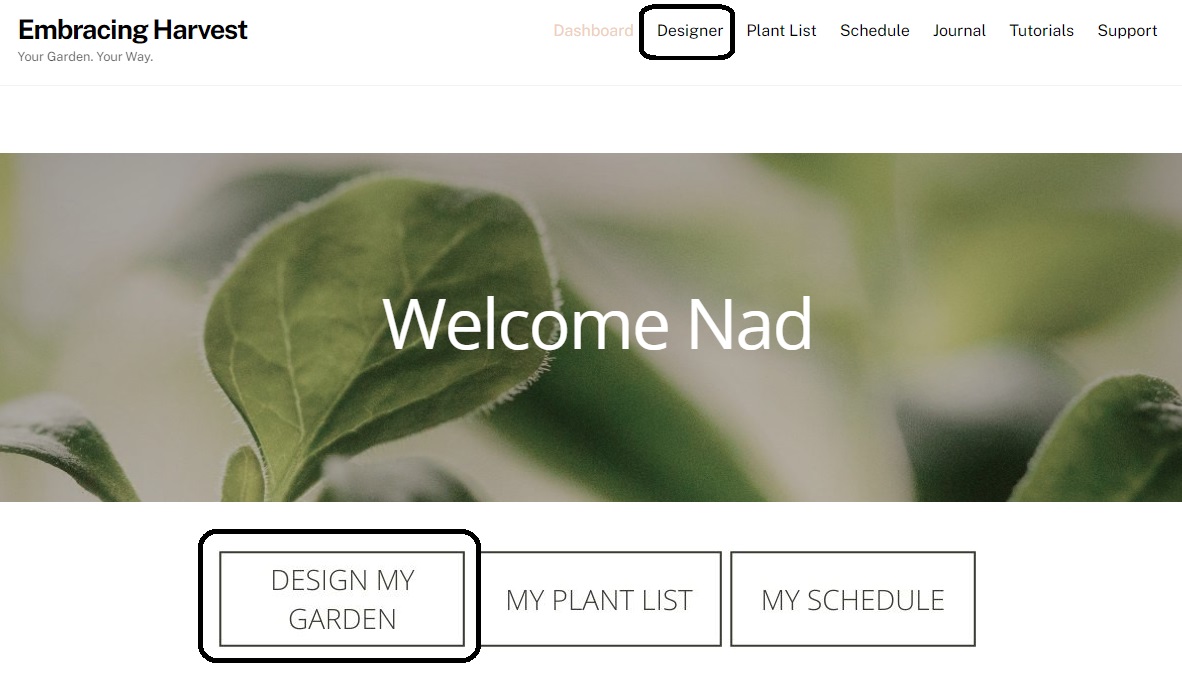
After you’ve created a new garden, or created multiple gardens, you can come back to any of them by clicking on the Designer tab or Design My Garden.
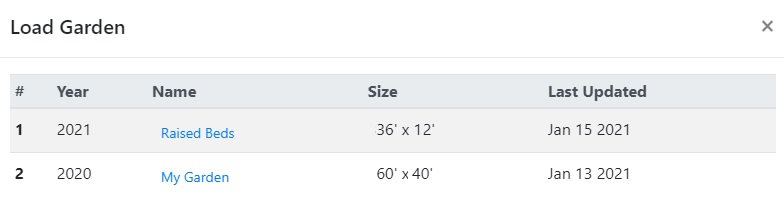
Once the designer opens, you’ll be prompted to select from a list of all of your garden designs. Click on one to open it.
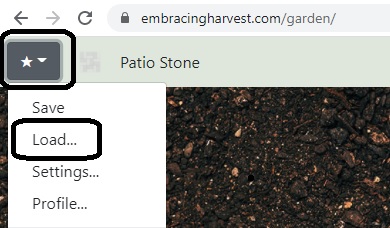
If you’re already in the designer and you want to open a different garden design, click on the star in the top left corner and click Load.
The same pop up will appear where you can select another garden.